Building ShelfWise: A Restaurant Management SaaS
· 8 min read
What started as a side thought while helping out in a bar kitchen turned into one of the most practical tools I've ever built. ShelfWise wasn't born out of a grand vision—it came from watching people struggle with the everyday mess of inventory: handwritten notes, outdated Excel files, random group chats, and a whole lot of guessing.
From Chaos to Clarity
The problem was obvious. Small bars and restaurants don't need enterprise software. They need something that works on the devices they already have—something fast, clear, and built around their actual workflow. After conversations with local restaurant startups in Gothenburg, I saw time being wasted, money slipping through the cracks, and no system built with small teams in mind.
The challenge wasn't adding more features; it was simplifying the chaos.
Technical Architecture
ShelfWise is built as a modern full-stack application with a focus on performance and user experience:
Frontend Stack
- Next.js with React 18 and TypeScript for full-stack development and type safety
- shadcn/ui component library for consistent, accessible UI components
- Tailwind CSS for rapid styling and responsive design
- React Hook Form with Zod validation for robust form handling
Backend & Database
- Supabase for authentication, real-time database, and API
- PostgreSQL with Row Level Security (RLS) for data protection
- Real-time subscriptions for live inventory updates
Key Features Implemented
1. Smart Onboarding Flow
One of the most important design decisions was separating user authentication from business profile creation. This allows new users to sign up instantly and explore the platform before committing to entering detailed restaurant information.
// Simplified user flow
1. Quick email/password signup
2. Immediate access to demo dashboard
3. Optional business profile completion
4. Full feature unlock after profile setup
2. Real-time Inventory Management
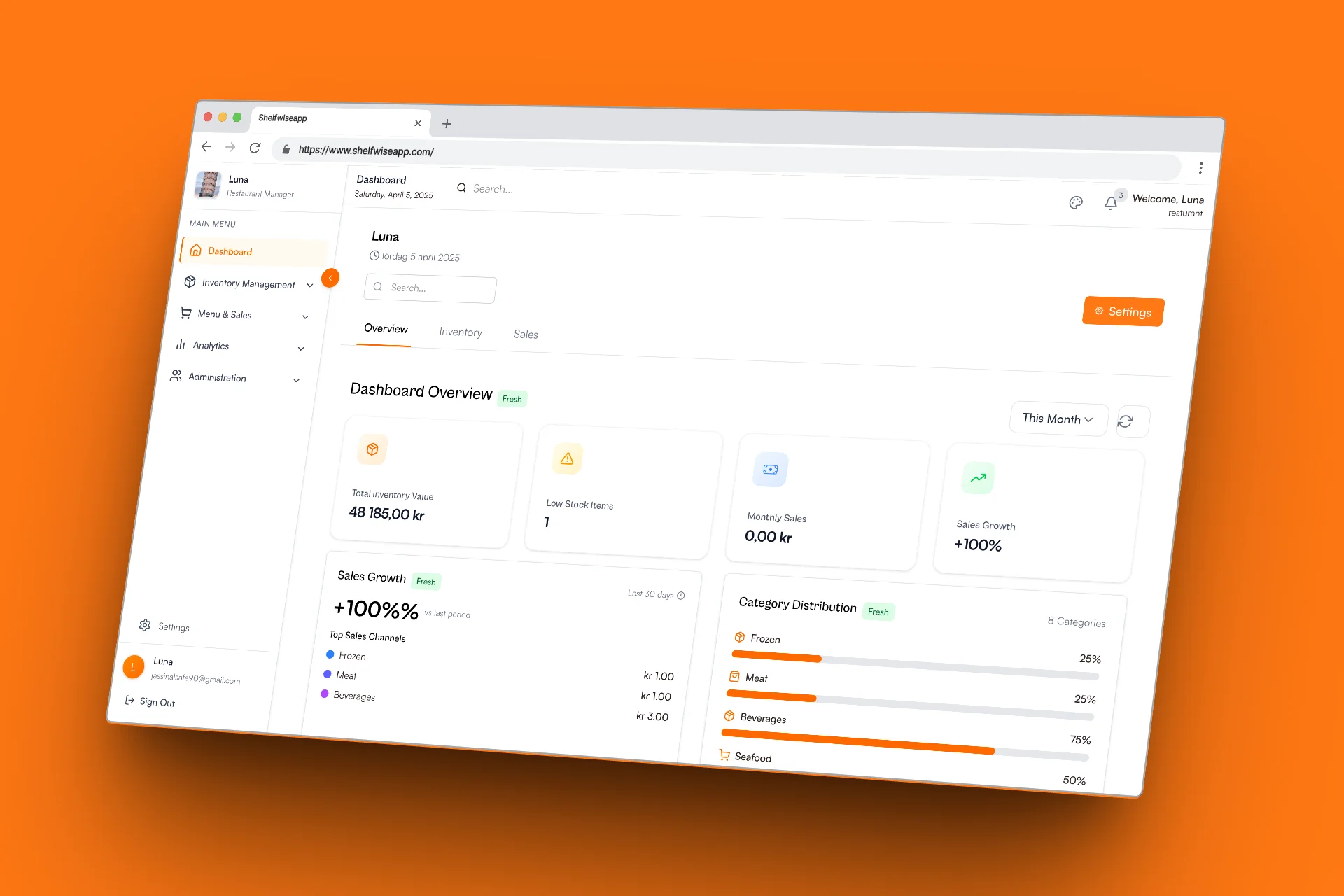
The inventory system automatically tracks stock levels and alerts users when items are running low:
- Live updates: Changes reflect immediately across all open sessions
- Smart alerts: Customizable thresholds for low-stock notifications
- Batch operations: Update multiple items simultaneously
3. Recipe Cost Calculator
A sophisticated system that calculates recipe costs based on current ingredient prices:
- Dynamic pricing: Automatically updates when ingredient costs change
- Portion control: Precise cost per serving calculations
- Profit margins: Built-in markup calculations for menu pricing
4. Automated Shopping Lists
Generated based on current inventory levels and upcoming menu requirements:
- Smart aggregation: Combines similar items from multiple recipes
- Supplier integration: Ready for future vendor API connections
- Export options: PDF and email functionality
Challenges Along the Way
Every build comes with its headaches. For us, it was striking the balance between structure and speed.
Challenge 1: Real-World Usability
Could someone update stock between serving customers? Could they scan a barcode in seconds? Could they get a low-stock alert before a busy Friday night?
Solution: We built around real use cases, talked to users, shadowed their routines, and kept the feedback loop tight. Every update had a reason.
Challenge 2: Device Compatibility
Barcode scanning via device cameras was harder than expected across different browsers and devices. Designing for shared environments (like tablets in kitchens) brought UI considerations we hadn't dealt with before.
Solution: Implemented progressive enhancement with fallback options and optimized the interface for touch-first interactions.
Challenge 3: Changing Habits
Convincing early users to move away from habits they'd had for years wasn't just about software—it was about trust.
Solution: We focused on making the transition as seamless as possible, with import tools for existing data and extensive onboarding support.
Performance Optimizations
- Lazy Loading: Components and routes load on-demand
- Optimistic Updates: UI updates immediately before server confirmation
- Efficient Queries: Used Supabase's query builder for optimized database operations
- Image Optimization: Compressed and properly sized images for faster loading
Deployment & DevOps
Deployed on Vercel with the following setup:
- Automatic deployments from the main branch
- Preview deployments for pull requests
- Environment variables managed through Vercel dashboard
- Custom domain with SSL certificate
Lessons Learned
1. User-Centric Design Pays Off
The decision to prioritize quick onboarding significantly improved user engagement. The ability to explore the platform immediately, rather than being forced through lengthy setup processes, led to higher conversion rates.
2. TypeScript is Essential for Complex Applications
As the application grew, TypeScript's type safety became invaluable for catching errors early and maintaining code quality across multiple developers.
3. Real-time Features Require Careful Planning
Implementing real-time updates taught me the importance of considering data consistency, conflict resolution, and graceful degradation when connections are poor.
4. Performance from Day One
Implementing performance optimizations early in development is much easier than retrofitting them later. Lazy loading and optimistic updates were architectural decisions that paid dividends.
The Vision Moving Forward
ShelfWise isn't trying to be the next big SaaS platform. We're trying to be the tool that small food businesses actually want to use. The kind of app that doesn't require a manual. It just works.
Our goal is to stay lean, stay human, and always build for the people behind the bar—not just the numbers on a dashboard.
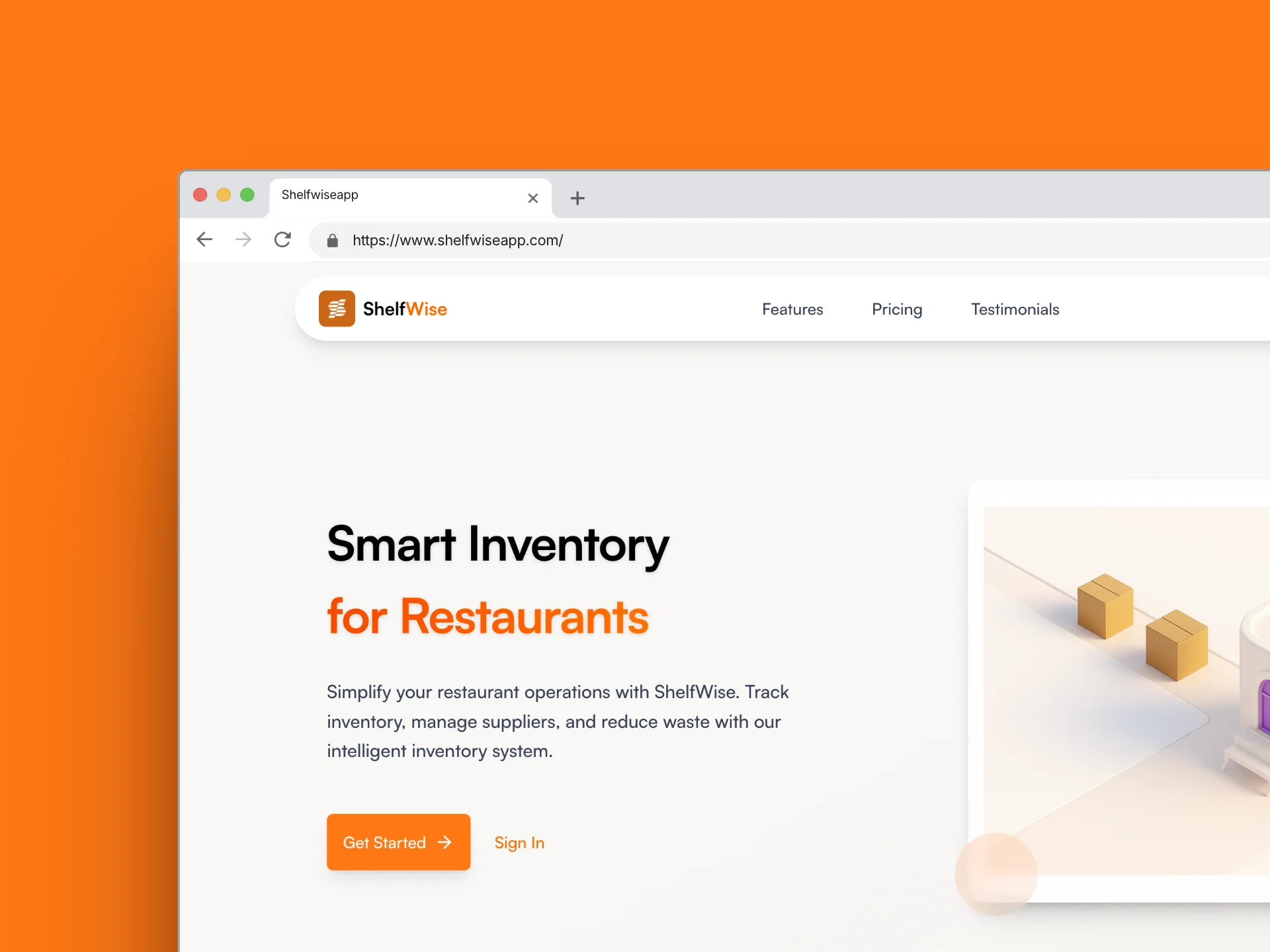
ShelfWise is now live at shelfwiseapp.com and serving real restaurant businesses. Future enhancements include:
- Mobile app: React Native version for on-the-go inventory management
- Supplier integrations: Direct ordering from preferred vendors
- Analytics dashboard: Insights into cost trends and profitability
- Multi-location support: For restaurant chains and franchises
Technical Resources
→ Supabase Documentation ←
Comprehensive guide to building with Supabase
→ shadcn/ui Components ←
High-quality React components built on Radix UI
→ React Hook Form ←
Performant forms with minimal re-renders
→ Tailwind CSS ←
Utility-first CSS framework for rapid development
Building ShelfWise has been an incredibly rewarding experience that challenged me across the full development stack. From database design to user experience, every aspect required careful consideration and iteration. The project demonstrates the power of modern web technologies in solving real-world business problems.